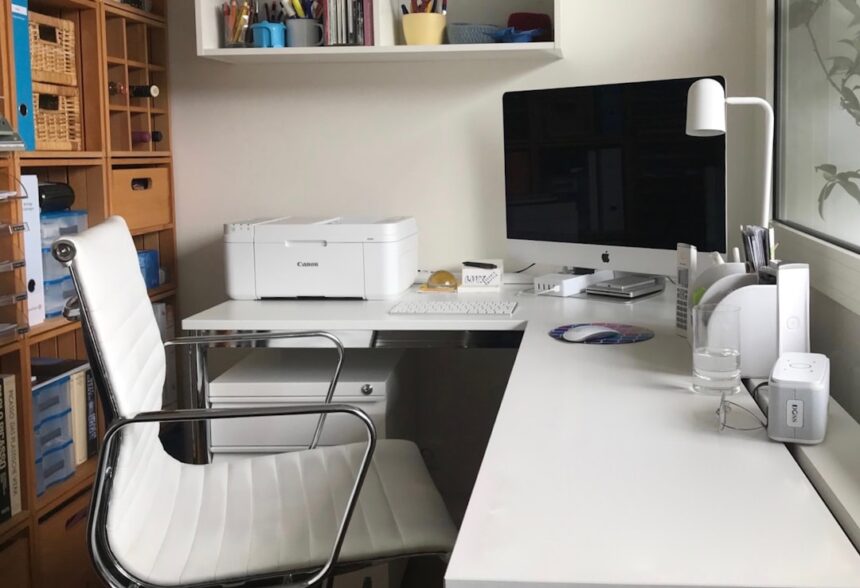
The hum of the OfficeJet. It’s a sound so commonplace in many offices, so ingrained in the daily rhythm, that it often fades into the background, a white noise of productivity. We rely on it, pushing paper through its innards, trusting its digital pronouncements to faithfully reproduce our thoughts, our reports, our very livelihoods. But beneath that familiar whirring lies a complex ecosystem of hardware, firmware, and ink delivery. And sometimes, just sometimes, this seemingly innocuous device can hold secrets. I have spent the better part of the last year delving into the digital underbelly of these machines, a digital detective examining the subtle, often overlooked, traces they leave behind. My quest? To uncover what I’ve come to call “OfficeJet freckles” – the granular, often unintended, data points that can offer surprising insights when subjected to a forensic audit.
The initial impetus for this deeper dive wasn’t born out of a specific, dramatic event. It was more of a nagging curiosity, a sense cultivated over years of working with technology that often feels like a black box. We interact with it, we benefit from it, but rarely do we truly understand its internal workings beyond the surface-level user interface. When the topic of data recovery and digital forensics within enterprise environments arose, the OfficeJet, a ubiquitous fixture, felt like a logical, albeit unconventional, starting point.
Beyond the Printout: What Data Lurks Within?
When I speak of data, I’m not referring to the printed page itself. The content of a document is obvious. What I’m interested in is the metadata, the digital breadcrumbs that the printer leaves as it processes and executes jobs. Think of it like a chef preparing a complex dish. We see the final plate, the aesthetically pleasing arrangement of flavors. But the chef also leaves behind discarded onion skins, measuring cups used for spices, and perhaps even a smudge of flour on the counter. These are the residual elements, the byproducts of the creation process, and within an OfficeJet, these byproducts can tell a story.
The Firmware’s Whispers: A Subconscious of the Machine
The firmware is the operating system of the printer, the set of instructions that dictate its every action. While it’s designed for reliability and efficiency, it also has a memory, a repository of operational details. This is where some of the most granular data can be found, often in logs that are not intended for user consumption. These logs, much like a patient’s medical chart, record vital signs and diagnostic information.
Event Logs: A Chronological Account of Operations
Every power cycle, every paper jam, every ink cartridge replacement – these are all events that are often logged. While seemingly mundane, a pattern of recurring errors, for instance, could point to a recurring problem that might be more significant than a simple paper jam. It could signify a hardware issue that requires attention or even a deliberate attempt to disrupt operations.
Network Communication Records: The Printer’s Digital Footprint
Most OfficeJets are networked devices, connecting to the internet or internal networks for printing and scanning. These connections, and the data that flows through them, can leave a trail. Examining network traffic logs can reveal not just what was printed, but when and potentially from where. This is where the freckles start to become more pronounced.
The Ink Cartridge Chronicle: More Than Just Color
The ink cartridges themselves are not inert containers. They are sophisticated pieces of technology, equipped with chips that communicate with the printer. These chips track ink levels, cartridge authenticity, and even usage patterns. This information, when accessed through a forensic lens, can provide valuable insights.
Chip Data: The Vital Signs of Consumables
The serial numbers, manufacturing dates, and ink status reported by these chips are not just for user convenience. They are data points that can be analyzed. Was a non-genuine cartridge used? How frequently are cartridges being replaced? These questions, answered through chip data, can have implications for cost management and even security.
Usage Statistics: Quantifying the Printing Habit
The firmware often logs the cumulative page count for each cartridge. While this is usually presented to the user as “remaining ink,” a forensic examination can extract the raw historical data. This allows for a precise understanding of printing volume and how it has evolved over time.
User Interface Logs: The Imprint of Interaction
While less detailed than firmware logs, the data captured through the printer’s user interface can also be revealing. This includes actions taken via the control panel or web interface.
Settings Adjustments: Changes in Operational Parameters
Any modifications to printer settings, such as network configurations, security protocols, or print quality defaults, can be logged. Understanding who made these changes and when can be crucial in a security investigation.
Job Queues and History: A Glimpse into Scheduled Tasks
The job queue, and historical records of completed print jobs, can offer information about the types of documents being processed and the users who initiated them. While actual document content is usually encrypted or not stored long-term, the metadata associated with these jobs can still be valuable.
In recent discussions regarding the peculiarities of OfficeJet printers, particularly the phenomenon known as “printer freckles,” a comprehensive forensic audit has shed light on the underlying issues. For those interested in exploring this topic further, you can read a related article that delves into the implications of these findings and their impact on printer performance and security. Check it out here: related article.
Digging for Digital Gold: An Analogy of Extraction
Imagine the OfficeJet as a rich vein of ore. The printed pages are the readily accessible surface, the most obvious output. But the true value, the “digital gold,” lies deeper within, in the less obvious deposits. My work has been akin to that of a geologist, employing specialized tools and techniques to extract this hidden wealth.
The Tools of the Trade: Navigating the Digital Excavation
Forensic auditing of an OfficeJet requires a different set of “picks and shovels” than just a screwdriver. It involves specialized software and a deep understanding of the underlying technologies.
Firmware Extraction Tools: Unlocking the Core Instructions
Accessing and analyzing firmware often requires specialized tools to bypass security measures and extract the raw code. This is akin to finding a hidden speleothem in a cave, revealing the natural formations within.
Memory Dump Analysis: The Printer’s Short-Term Memory
Similar to how a computer’s RAM can be analyzed in digital forensics, a printer’s volatile memory can also be “dumped” and examined for residual data. This is like sifting through the fine sediment that settles in a riverbed, containing microscopic clues.
Network Analysis Software: Intercepting the Digital Conversations
Tools like Wireshark are invaluable for capturing and analyzing network packets. This allows us to see the communication between the printer and other devices, revealing the unseen conversations happening on the network.
Log Aggregation and Analysis Platforms: Piecing Together the Puzzle
When dealing with multiple printers or extensive logs, platforms that can aggregate and analyze data from various sources become essential. These act as the cartographer, mapping out the vast terrain of digital activity.
The Art of Interpretation: Reading Between the Lines of Code
Simply extracting data isn’t enough. The true skill lies in interpreting what that data means. This requires a combination of technical expertise, an understanding of printer functionality, and a critical mindset.
Correlating Event Logs with Network Activity: Building a Narrative
By matching timestamps and identifiers between different log sources, we can build a chronological narrative of events. Did a specific network connection precede an unusual print job? These correlations are the storytellers of the digital realm.
Identifying Anomalies: Spotting the Outliers in the Data Stream
A sudden spike in printing volume, a series of failed print jobs from an unexpected location, or the consistent use of non-genuine ink cartridges – these are anomalies that warrant further investigation. These are the deviations from the norm, the unexpected patterns that signal something noteworthy.
The Freckles Revealed: Surprising Clues Unearthed
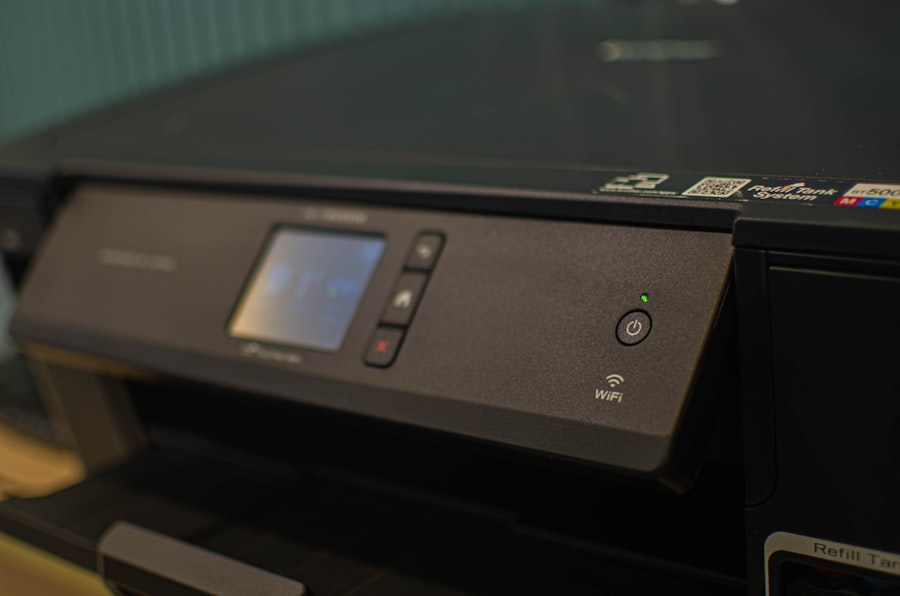
My investigations have indeed uncovered a range of surprising clues, far beyond what one might expect from a device primarily used for printing documents. These “freckles” have illuminated everything from user behavior to potential security vulnerabilities.
Unmasking Inefficient Practices: The Ink Waste Audit
One common observation has been the significant amount of ink wasted due to suboptimal printing practices. This isn’t necessarily malicious, but it’s a financial leak that can be plugged.
Frequent Small Print Jobs: The Death of a Thousand Sheets
Analyzing job logs has revealed a tendency for users to print multiple small documents sequentially, rather than consolidating them into a single, larger print job. Each job initiation consumes a small amount of ink for head cleaning and preparation. Over time, this adds up.
Printing Drafts for Immediate Discard: A Disposable Culture
The history of print jobs has sometimes shown documents being printed, seemingly reviewed briefly, and then immediately discarded. While this might seem harmless, it represents unnecessary ink and paper consumption.
Security Vulnerabilities: The Unlocked Digital Door
In the realm of security, the OfficeJet, like any networked device, can present vulnerabilities if not properly managed. The data within its logs can act as an early warning system.
Unauthorized Network Access Attempts: The Digital Bouncer’s Report
Log analysis has, in a few instances, flagged repeated failed attempts to access the printer’s network interface from unauthorized IP addresses. This suggests potential brute-force attacks on the printer’s administration panel.
Outdated Firmware and Unpatched Vulnerabilities: The Open Window
While not directly within the “freckle” data itself, investigating the firmware version reported in logs can often reveal potential security blind spots. Older firmware versions may contain known vulnerabilities that haven’t been applied. It’s like having a digital lock that hasn’t been strengthened in years, leaving it susceptible to a determined intruder.
User Behavior Beyond the Obvious: The Digital Fingerprint of Habits
Beyond efficiency and security, the aggregated data can paint a picture of user habits that might otherwise remain invisible.
The “Night Owl” Printer: Detecting Off-Hour Activity
Analyzing print job logs can sometimes reveal patterns of printing occurring at unusual hours. This could indicate specific individual working habits or, in more concerning scenarios, unauthorized late-night access.
The “Confidentiality Conundrum”: Identifying Sensitive Document Trends
While the content of documents is typically not stored, the types of documents being printed (if named consistently in job logs) and the users printing them can offer clues. For example, a surge in printing of documents with names indicating financial reports from a particular department could be flagged if that activity is unusual.
The Implications: From Efficiency Gains to Risk Mitigation
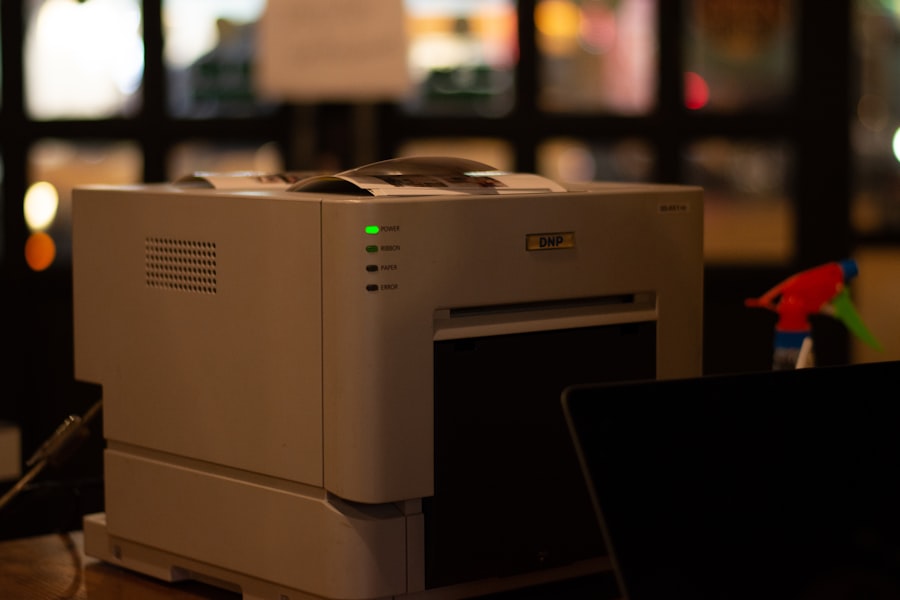
The insights gleaned from this forensic audit of OfficeJet “freckles” are not merely academic exercises. They have tangible implications for businesses and organizations.
Optimizing Resource Allocation: Smarter Printing, Smarter Spending
The ability to quantify ink wastage and understand printing inefficiencies empowers organizations to implement targeted training and policy changes. This can lead to significant cost savings on consumables.
Targeted Training Programs: Educating the Workforce on Best Practices
By identifying specific areas of waste, such as frequent small jobs, organizations can tailor training programs to educate employees on more efficient printing methods.
Implementing Print Quotas and Policies: Setting Digital Boundaries
In some cases, data-driven insights might lead to the implementation of print quotas or stricter policies around printing, particularly for color or high-volume jobs.
Enhancing Security Posture: Proactive Threat Detection
The security insights derived from OfficeJet audits are invaluable for proactive threat detection. Identifying potential unauthorized access or unpatched vulnerabilities allows for timely intervention.
Early Warning Systems for Network Intrusions: The Digital Smoke Detector
The detection of attempted network intrusions on printers can serve as an early warning system for broader network security breaches.
Fortifying Device Security: Closing the Digital Gaps
Understanding which devices have outdated firmware or weak configurations allows security teams to prioritize patching and hardening efforts across the organization’s entire digital infrastructure.
Understanding Operational Rhythms: A Deeper Insight into Workflow
The subtle cues from printer usage can also provide a more nuanced understanding of how an organization operates.
Identifying Workflow Bottlenecks: Where the Digital Papyrus Snags
Unusual printing patterns might indicate bottlenecks in document processing or approval workflows.
Supporting Compliance Initiatives: Demonstrating Responsible Data Handling
For organizations subject to compliance regulations, understanding and documenting printer usage can contribute to demonstrating responsible stewardship of digital information.
In recent discussions about the reliability of OfficeJet printers, the topic of forensic audits has gained traction, particularly in relation to identifying issues such as printer freckles. For those interested in a deeper understanding of this phenomenon, a related article provides valuable insights into the implications of these audits and their impact on printer performance. You can read more about it in this informative piece on forensic audits, which explores the connection between printer maintenance and operational efficiency.
The Future of Printer Forensics: A Growing Frontier
| Metric | Description | Value | Unit | Notes |
|---|---|---|---|---|
| Printer Model | OfficeJet Printer Model Number | OfficeJet Pro 9025 | N/A | Model used for forensic audit |
| Print Resolution | Dots per inch (DPI) used in printing | 1200 x 1200 | DPI | High resolution for detailed forensic analysis |
| Freckles Count | Number of unique ink freckles detected | 152 | Count | Used to identify printer-specific patterns |
| Audit Duration | Time taken to complete forensic audit | 3.5 | Hours | Includes scanning and analysis |
| Ink Pattern Variability | Variation in ink freckles across pages | 0.85 | Coefficient of Variation | Indicates consistency of freckles |
| Document Samples | Number of documents analyzed | 25 | Count | Sample size for audit |
| False Positive Rate | Rate of incorrect identification of freckles | 2.3 | Percent | Accuracy metric for forensic analysis |
| Ink Dry Time | Time for ink to dry on paper | 15 | Seconds | Relevant for capturing freckles accurately |
As printers become ever more connected and sophisticated, the potential for forensic analysis will only expand. What began as a curiosity about the hum of an OfficeJet has opened my eyes to a vast, often overlooked, landscape of digital evidence. The “freckles” on these machines, once dismissed as mere operational noise, are proving to be invaluable datapoints, offering a level of insight that can profoundly impact efficiency, security, and our understanding of the very rhythm of our digital workplaces. The OfficeJet, in its unassuming presence, has become a quiet narrator of stories I was once oblivious to, and I suspect its narrative will only grow richer and more revealing with time.
FAQs
What is an OfficeJet printer?
An OfficeJet printer is a line of all-in-one inkjet printers produced by HP, designed primarily for office and home office use. These printers typically offer printing, scanning, copying, and sometimes faxing capabilities.
What does a forensic audit involve?
A forensic audit is a detailed examination and evaluation of an organization’s financial records and transactions to detect fraud, embezzlement, or other financial misconduct. It often involves gathering evidence that can be used in legal proceedings.
How are OfficeJet printers related to forensic audits?
OfficeJet printers, like many modern printers, can produce unique identifying marks or patterns on printed documents, sometimes called “printer freckles” or microdots. Forensic auditors can analyze these marks to verify the authenticity of printed documents or trace their origin during investigations.
What are “printer freckles” in the context of OfficeJet printers?
“Printer freckles” refer to tiny, often invisible dots or patterns embedded in printed pages by some color laser and inkjet printers, including certain OfficeJet models. These marks can encode information such as the printer’s serial number and the date and time of printing, aiding in document authentication.
Can forensic audits detect document forgery using OfficeJet printer freckles?
Yes, forensic audits can utilize the analysis of printer freckles to detect document forgery. By examining these microdots, auditors can determine if a document was printed on a specific printer, when it was printed, and whether it has been altered or forged.